
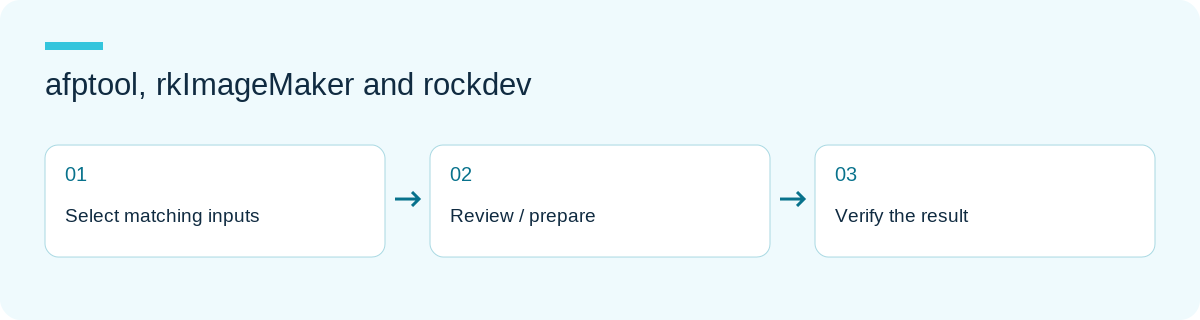
The rockdev packaging directory combines two jobs: afptool packages the files listed by package-file, then rkImageMaker combines that payload with a Loader and chip information. A packed firmware container is different from a raw disk image.
Prepare a coherent input tree
Place the partition images and matched Loader in Image/. Supply Image/parameter or Image/parameter.txt, and review the top-level package-file. Every referenced filename must exist, and its intended partition must agree with parameter. Keep all components from the same board build.
Follow the platform script
The included RK3588 script performs these two stages:
./afptool -pack ./ Image/update.img
./rkImageMaker -RK3588 Image/MiniLoaderAll.bin Image/update.img update.img -os_type:androidos
This is the original RK3588 example, including -os_type:androidos; it is not a universal Linux recipe. Image/update.img is the intermediate payload, while top-level update.img is the final container. Run from the script’s expected rockdev directory. Select the actual SDK’s script for other SoCs and OS configurations.
Inspect before distribution
The README describes unpack.sh, whose extracted files go to output. Use a separate working directory so an older extraction cannot be mistaken for the new image. Compare the unpacked file inventory, Loader, partition names and image lengths with the release inputs; record the final SHA-256.
Common packaging failures
Missing parameter and package-file are explicitly checked by the RK3588 script. A nonexistent path or image larger than its partition must be corrected at the input stage. A wrong chip flag may only surface when flashing, which is why inspecting the target identifier matters before release.
The Linux directory snapshot, macOS rockdev 2.1 and Windows RKImageMaker dated package are preserved separately. They need not expose the same flags. Building update.img proves container generation only: validate boot, storage, recovery and update behavior on the intended board before using it in production.
Applicability and verification
This is a documentation-based workflow for the supplied tool collection. Confirm the exact board, SoC, carrier, SDK/BSP and host architecture before using it. No flashing, provisioning, register writes or hardware tests were performed. Package availability does not establish support for every ArmSoM product.
GitHub tool directory, versions and SHA-256
Open the matching GitHub directory, select the required host/version, then verify the file hash and extract the full directory. Links below open repository directories.
Open the tool directory on GitHub
| Platform / version | File | SHA-256 |
|---|---|---|
| Linux / directory snapshot | rockdev-linux-directory-snapshot.zip |
06049f3eb612de5d1a3866bffe4b1d8d7dabaef4fd38b07decd79380f5af5a36 |
| macOS / 2.1 | rockdev_v2.1_mac.zip |
af29d720edba7a0f082f984d57adf5a09b81a8df6deebf7f158aeedabd4018e7 |
| Windows / 20230109 | RKImageMaker_20230109.zip |
887863bb2563ba0ab9c77b846a26f47fe7774f95152d66253c4de910419591cd |
GitHub · catalog.json · SHA256SUMS
Source documents and figures
- Linux_Pack_Firmware/rockdev/readme.txt; rk3588-mkupdate.sh; unpack.sh
- rockdev_v2.1_mac.zip; RKImageMaker_20230109.zip
Continue with the related workflow
- Firmware_Merger: flat RK, flat GPT and compact GPT images
- upgrade_tool download: command-line Rockchip firmware workflow
- Rockchip Production Firmware Flashing: USB, SD, Programmers and Troubleshooting
- Rockchip tool download and workflow index
Find the correct ArmSoM board documentation
For board and carrier requirements, use the product manual first. The links below are platform references, not a statement that this archived tool has been validated on these products.
ArmSoM Docs · Sige7 / Docs · CM5 / Docs