
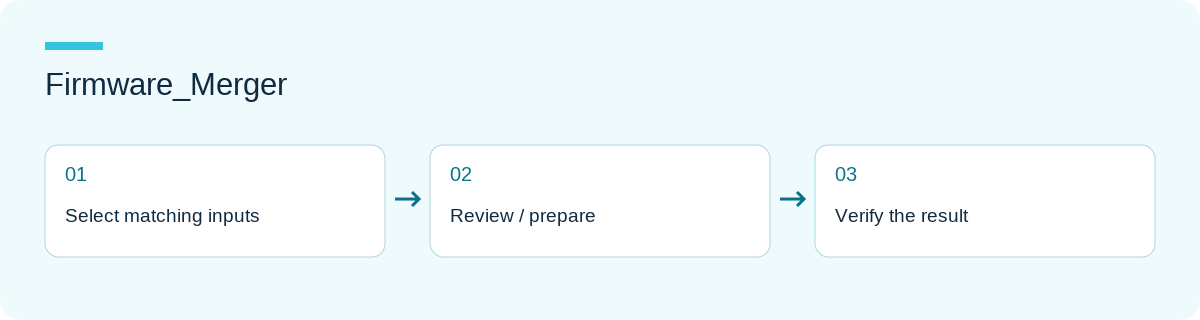
Firmware_Merger creates an image from setting.ini. It is useful when the manufacturing flow needs a defined whole-storage layout. The three formats in the bundled manual must be distinguished before choosing a writing tool.
Choose the output format
Gpt_Enable |
Source meaning | Writing route |
|---|---|---|
| Empty value | Flat RK firmware, RK miniloader | Matched raw-image workflow |
0 |
Flat GPT, U-Boot SPL | Matched raw-image workflow |
1 |
Compact GPT | Production tool required |
The empty/0/1 mapping is reproduced exactly. A compact image must not be treated as a flat image for a wl raw write. Backup_Partition_Enable=1 requests a backup header; the empty value is the documented default, including when the flash size is unknown.
Describe the layout
IDBlock must be the first partition. The source example is:
Name=IDBlock
Type=0x2
PartOffset=0x40
PartSize=0x400
Flag=
File=Image/FlashData.bin,Image/FlashBoot.bin
The manual states that its partition must be smaller than 2M. Do not reinterpret hexadecimal offsets as bytes without checking the tool’s format. For subsequent partitions, empty Flag writes a file and fills its partition; 0x2 fills without a file; 0x1 skips; 0x4 lets the last partition grow into remaining space. Type_Guid references a key in [PARTITION_TYPE_GUID].
Build and validate
Copy the matched configuration, resolve all image paths, check the layout against storage capacity and run the README’s packaging command:
./firmware_merger -P setting.ini ./
This creates a file; flashing is a separate step. Compare expected and produced size, record the hash and inspect the partition mapping with the appropriate SDK tools. Before hardware testing, confirm the chosen writer supports the generated format.
Common mistakes
A missing image path, an overlapping partition or confusing compact with flat output will not be fixed by trying another USB cable. Keep the configuration and its input images as a single release unit. The bundled example is a format reference, not a validated ArmSoM storage layout.
Applicability and verification
This is a documentation-based workflow for the supplied tool collection. Confirm the exact board, SoC, carrier, SDK/BSP and host architecture before using it. No flashing, provisioning, register writes or hardware tests were performed. Package availability does not establish support for every ArmSoM product.
GitHub tool directory, versions and SHA-256
Open the matching GitHub directory, select the required host/version, then verify the file hash and extract the full directory. Links below open repository directories.
Open the tool directory on GitHub
| Platform / version | File | SHA-256 |
|---|---|---|
| Linux / directory snapshot | firmware-merger-linux-directory-snapshot.zip |
798ce66df5ee1f22cd96f811bf9140e5e9f4f0f3977a4ef37acd54554d6992ea |
GitHub · catalog.json · SHA256SUMS
Source documents and figures
- Firmware_Merger/Readme.txt; user_manual.txt; setting examples
Continue with the related workflow
- afptool and rkImageMaker: understand and package Rockchip update.img
- programmer_image_tool: convert update.img for eMMC, SPI NOR and NAND programmers
- Rockchip tool download and workflow index
Find the correct ArmSoM board documentation
For board and carrier requirements, use the product manual first. The links below are platform references, not a statement that this archived tool has been validated on these products.
ArmSoM Docs · Sige7 / Docs · CM5 / Docs