
DDR_UserTool is part of the DDR bring-up and test workflow. Its supplied archive contains a substantial platform-specific TestFile configuration tree. It must not be confused with the bandwidth probe or with the program that edits DDR initialization binaries.
Start from the memory topology
Record the exact SoC, DDR generation, chip organization, number of devices, bus width, rank/chip-select layout and board revision. The archive includes configuration names that encode combinations of these details. Matching only total memory capacity is insufficient: two configurations can expose the same capacity through different wiring.
Prepare one controlled test
- Keep the original SDK DDR binary and working Loader.
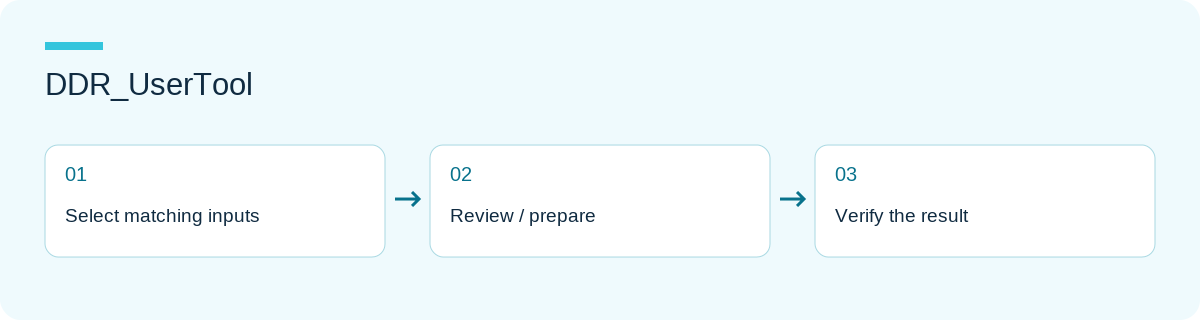
- Select a configuration for the supported platform and actual memory population. Confirm it against the schematic and SDK DDR guide rather than choosing the nearest filename.
- Copy that configuration into a project work area, keeping an untouched reference. Document each changed parameter and its reason.
- Follow the matched SDK’s loading procedure on a development board with a recovery route. The archive tree alone does not establish a universal launch command for every SoC.
- Save test selection, frequency, temperature conditions, duration and error output; repeat under the product’s required operating conditions.
Interpret results with the right scope
A soldering/wiring check, a frequency stress test and a bandwidth measurement answer different questions. A pass in one selected configuration does not certify every DDR frequency or every board lot. If initialization fails before a test starts, return to topology, Loader and power sequencing instead of changing many parameters together.
Documentation boundary
No standalone comprehensive PDF was found in this package. This article explains configuration selection and evidence capture; the linked full DDR guide supplies the broader test methodology. It does not claim that all configurations in 1.41 apply to current ArmSoM products.
Applicability and verification
This is a documentation-based workflow for the supplied tool collection. Confirm the exact board, SoC, carrier, SDK/BSP and host architecture before using it. No flashing, provisioning, register writes or hardware tests were performed. Package availability does not establish support for every ArmSoM product.
GitHub tool directory, versions and SHA-256
Open the matching GitHub directory, select the required host/version, then verify the file hash and extract the full directory. Links below open repository directories.
Open the tool directory on GitHub
| Platform / version | File | SHA-256 |
|---|---|---|
| Windows / 1.41 | DDR_UserTool_v1.41.7z |
f53d06ad782e9fa85f5f098572fc20bd82945886936b1df5faf6ebf6ea892416 |
GitHub · catalog.json · SHA256SUMS
Source documents and figures
- DDR_UserTool_v1.41.7z: per-platform TestFile configuration tree; existing Rockchip DDR guide
Continue with the related workflow
- Rockchip DDR Developer Guide: Frequency, Capacity, Validation, Eye Diagrams and ECC
- DDR Bandwidth Tool: measure memory traffic and interpret Rockchip counters
- rk_ddrbin_tool: inspect and change DDR initialization parameters
- Rockchip tool download and workflow index
Find the correct ArmSoM board documentation
For board and carrier requirements, use the product manual first. The links below are platform references, not a statement that this archived tool has been validated on these products.
ArmSoM Docs · Sige7 / Docs · CM5 / Docs