
Connect a display, open RetroArch and press an arrow key: familiar pixel graphics appear on the screen driven by ArmSoM CM5. For this project, we built a retro gaming demonstration on a CM5 development kit running a native Debian 12 desktop. We tried Falling, GBAtris and Snake and shared the source-build workflow for developers who want to reproduce it.
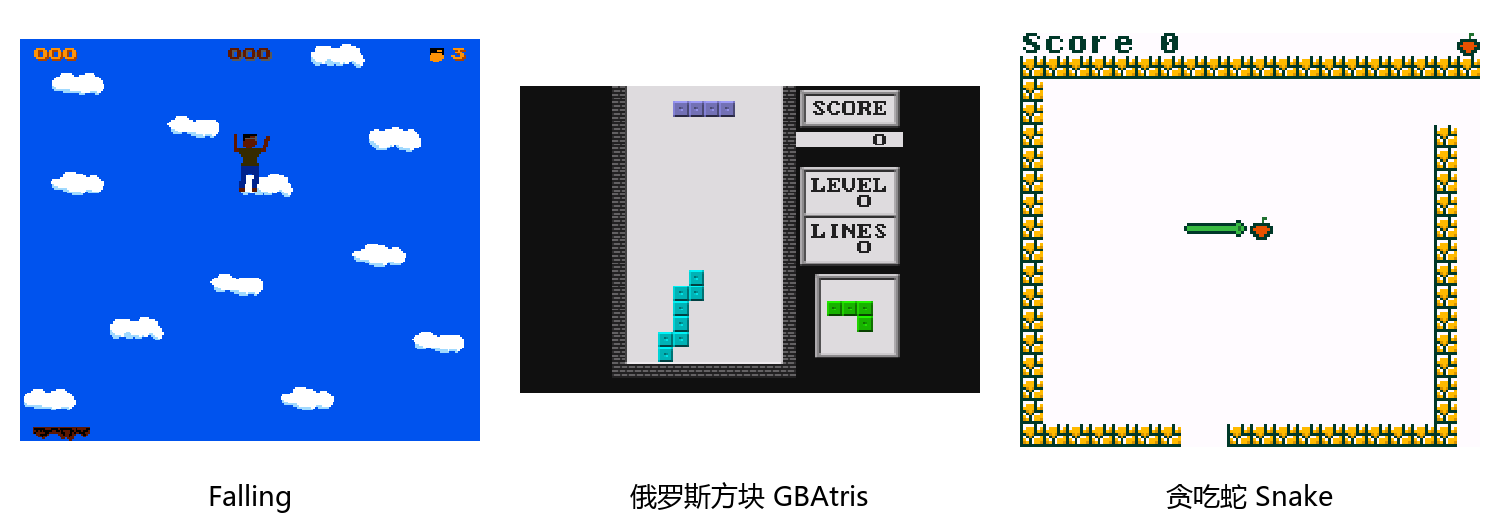
Left to right: Falling, GBAtris and Snake. The original screenshots were enlarged using nearest-neighbor scaling and arranged into a composite to preserve pixel edges. The composite dimensions are not the games’ rendering resolution.
Watch the CM5 demonstration
English portrait video. Use the player controls to play it or enter full screen.
The demonstration uses an HDMI display and a USB keyboard. Falling, GBAtris and Snake represent NES, GBA and GB content respectively. Basic operation, keyboard controls, pausing, and saving and loading states were checked.
Move the character in Falling, rotate and drop blocks in GBAtris, and steer toward food in Snake. The same frontend connects content selection, gameplay, pausing and resuming into one experience.
These results apply to the system, cores and content used for this demonstration. They do not establish compatibility with every game or constitute sustained frame-rate or long-term stability testing.
How RetroArch connects different cores
RetroArch is an open-source, cross-platform frontend that provides a shared interface for emulators, game engines and media players. It loads different libretro cores to run the corresponding content: the frontend manages menus, input, audio and video, while each core handles platform emulation or content execution. Players can select games, configure controls and use features such as save states where supported by the selected core.
For enthusiasts, a common interface makes a game library easier to organize. For developers, open source and modular cores make it possible to build tailored interactive experiences around Linux devices. This project uses the RetroArch frontend and the Nestopia and mGBA cores to bring community software to the CM5 development kit.
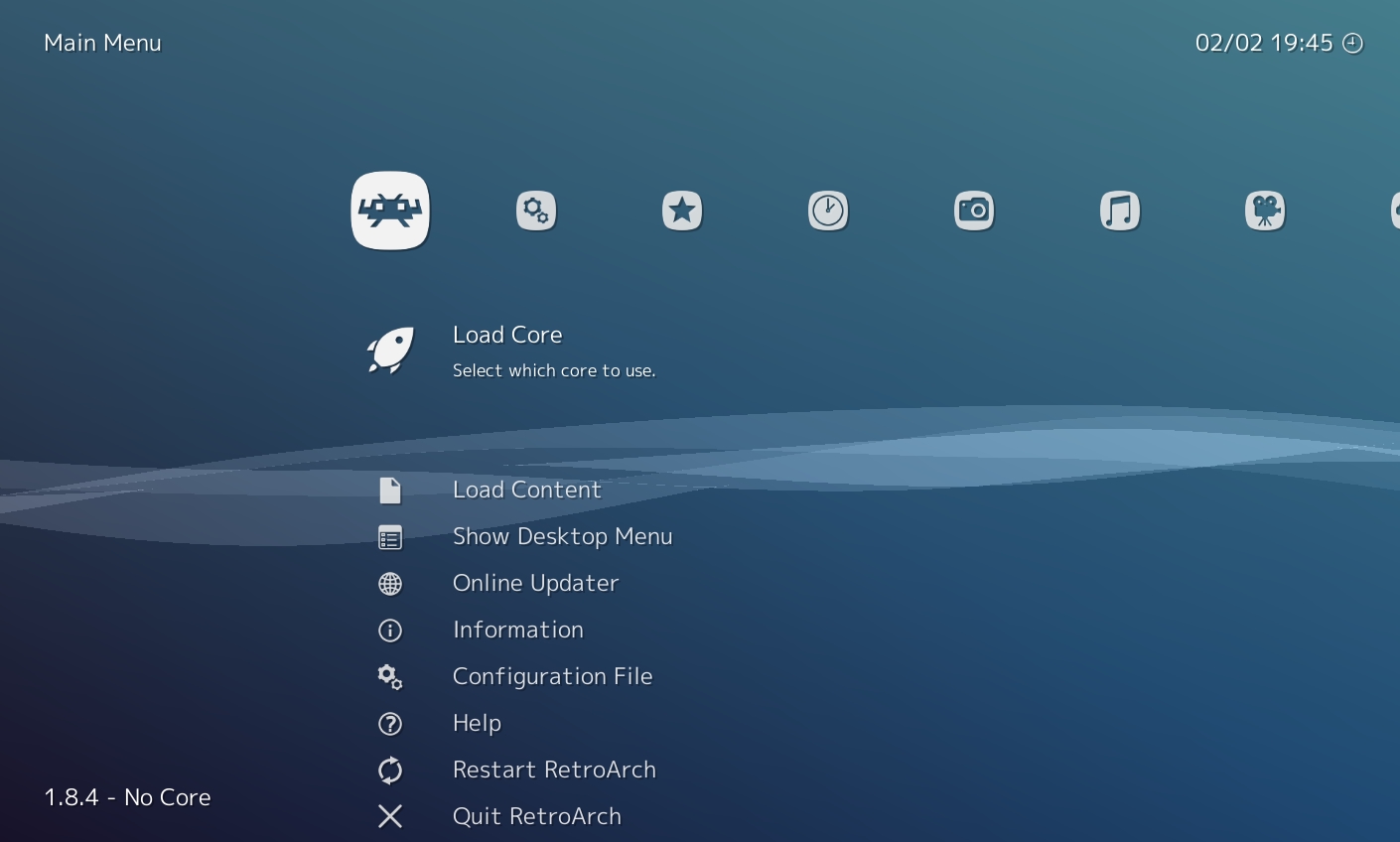
RetroArch XMB menu illustration from the upstream README, not a screenshot from this CM5 demonstration.
A compact module for hands-on projects
ArmSoM CM5 integrates the Rockchip RK3576, memory and onboard storage on a 55 × 40 mm compute module. With a carrier board, it can become a desktop game development kit. Adding your own buttons, display and enclosure also opens up projects such as a miniature arcade cabinet or a dedicated interactive terminal.
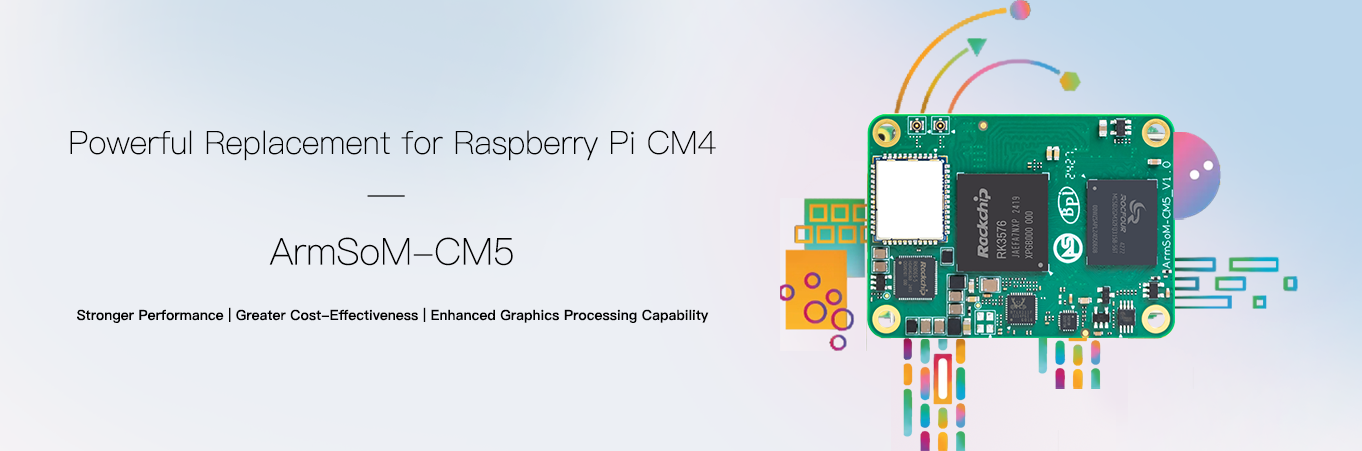
Product image from the official ArmSoM documentation. The compute module requires a carrier board, power supply and peripherals.
RK3576 includes four Cortex-A72 cores and four Cortex-A53 cores, with maximum clock speeds of 2.2 GHz and 1.8 GHz respectively, plus a Mali-G52 MC3 GPU. Consult the official ArmSoM CM5 product documentation and your hardware revision for the applicable specifications.
This project enabled an OpenGL ES 3.2 graphics path, with HDMI display output and USB keyboard input. Hardware specifications provide a foundation for development, but actual gameplay depends on the system, graphics driver, core, content and configuration. Processor specifications alone do not establish compatibility.
From playing to building from source
Alongside trying the applications, we compiled RetroArch 1.22.2 from unmodified upstream source in the native Debian 12 environment on CM5, installed it and verified that Falling ran. The tested cores came from Debian packages.
Two validation scopes must be distinguished: the three-game checks describe the demonstration’s runtime results; the run check after building upstream source specifically covers Falling. The latter must not be generalized to every core or game.
The build tutorial is now in the libretro documentation repository. Developers can follow it to prepare the environment, compile and verify the result, then share issues and improvements with the community.
Read the Building RetroArch on ArmSoM CM5 tutorial
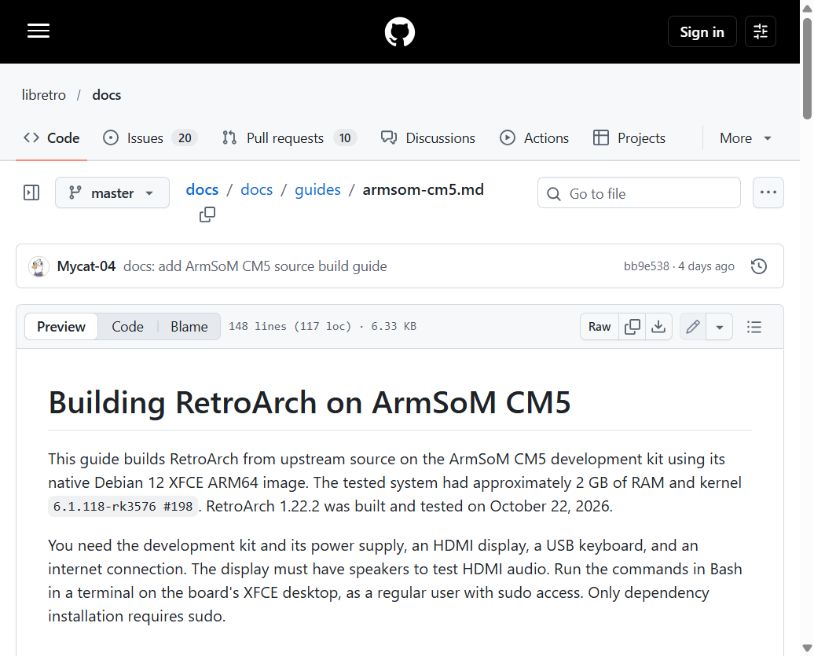
Tutorial screenshot supplied in the media package. Refer to the linked document for the current instructions.
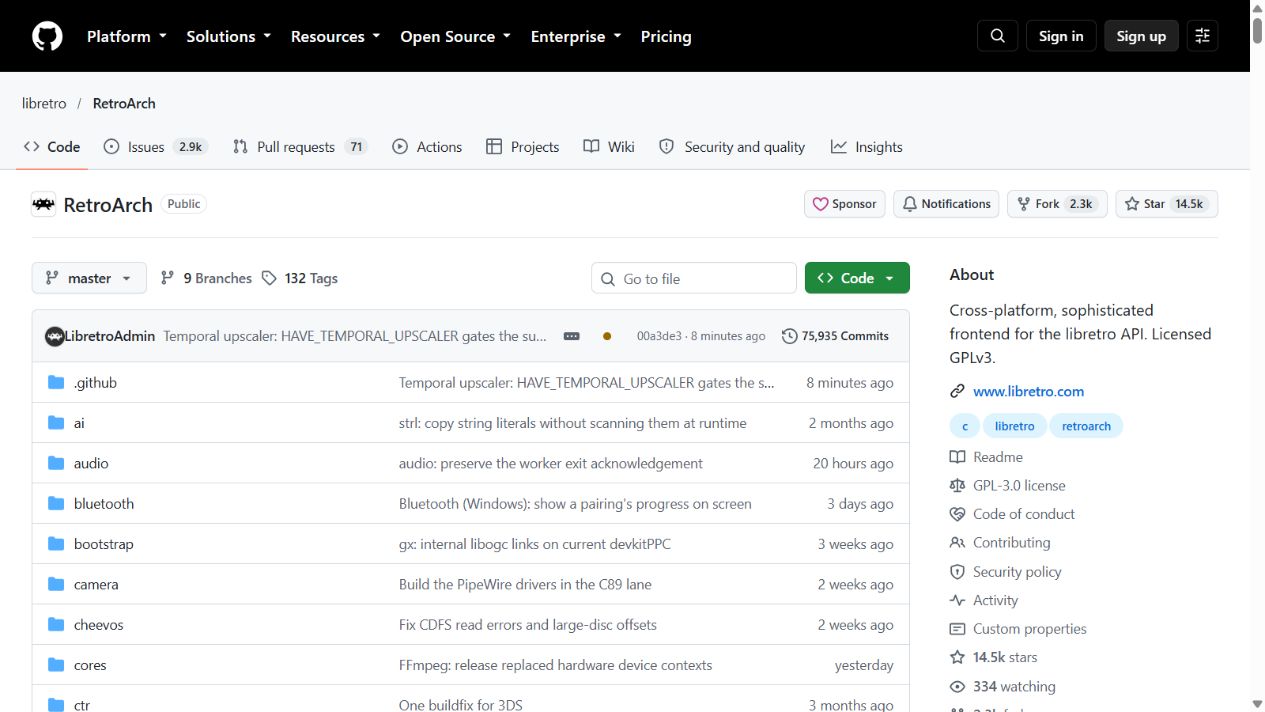
The upstream RetroArch repository provides implementation details, build instructions and project updates.
Start your own CM5 project
To build a similar demonstration, start with a CM5 development kit, a suitable power supply, an HDMI display and a USB keyboard. Reproduce the basic environment using the tutorial, then explore input devices, cores and your own interface design step by step.
- View the ArmSoM CM5 product page
- Explore ArmSoM CM5 hardware and resources
- Follow the RetroArch build tutorial for CM5
- Visit the upstream RetroArch source repository
- Read the official Libretro documentation
- Learn about CM5 carrier board design
This demonstration uses open-source games. Games, cores, project screenshots and other materials retain their respective ownership and licensing terms, which must be respected when using or distributing them. Runtime results in this article come from this project’s records and do not promise compatibility with other system images, core versions or commercial games.