
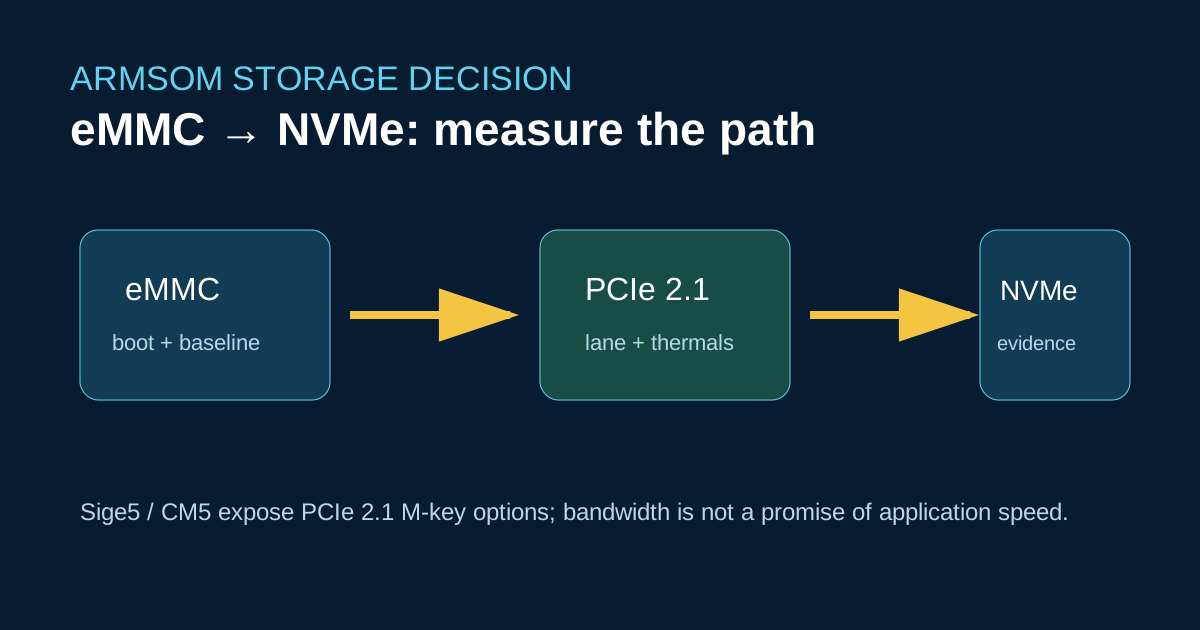
An M.2 socket is useful only when the workload is storage-bound. ArmSoM Sige5 documents an M-key PCIe 2.1 lane, while CM5 exposes PCIe expansion through its carrier. That is a different proposition from a Raspberry Pi accessory ecosystem and does not make a Jetson Nano application binary-compatible.
What changes in a migration
Keep eMMC or microSD as the recovery baseline. Add an NVMe device after the board boots reliably, then measure application I/O—not just fio. The RK3576 CPU, filesystem, thermal envelope and SSD controller all influence latency. A cool idle benchmark can hide throttling during sustained writes.
lsblk -o NAME,MODEL,SIZE,TRAN,MOUNTPOINT
sudo fio --name=read4k --filename=/mnt/nvme/test.bin --size=512M \
  --rw=randread --bs=4k --iodepth=16 --direct=1 --runtime=30 --time_based
Record kernel, filesystem, SSD model, ambient temperature and power source. Do not copy a Raspberry Pi config.txt storage recipe; verify the RK3576 device tree and boot order in the board manual.
Migration decision
Choose Sige5 when you need a complete board with dual Gigabit Ethernet and a documented 5–23 V input. Choose CM5 when a custom carrier and productized connector set justify the carrier validation cost. Neither board should be described as a drop-in Jetson Nano replacement: CUDA/TensorRT software still needs a port to Rockchip userspace and RKNN where applicable.
References
Pre-publication check
- Confirm the exact M.2 wiring on the board or carrier revision.
- Publish sustained, repeated measurements with raw fio output.
- State that storage compatibility is electrical/software-specific, not universal.