
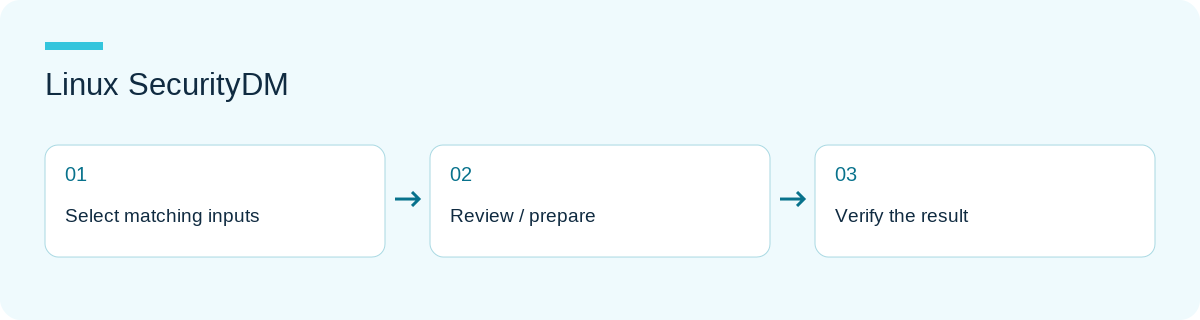
Linux SecurityDM 1.01 contains a historical mkdm.sh pipeline, configuration, boot-image tooling and a nested ramdisk archive. Its modes include dmv, fde, fde-s and ramdisk. These serve different integrity/encryption and image-preparation tasks.
Inspect before execution
Read the script, ramdisk contents and help before providing real images:
./mkdm.sh --help
The script supports -d for root partition, -s for a read-only system image, -k kernel, -r resource, -c configuration and -m mode. Long options include input/output paths, filesystem type and image size. Select values from the matching BSP; a partition path copied from another product can target the wrong device.
Build an isolated image workflow
Keep copies of the original filesystem, kernel and resource image. Determine whether the root filesystem is read-only and whether integrity checking or encryption is required. The script’s dmv path expects a read-only filesystem; encrypted-image paths must not be assumed compatible with compressed filesystem input.
The implementation can use privileged mounts, loop devices and dmsetup. Run reviewed build steps only on a controlled build host; do not treat this as a passive document viewer. The script can print key parameters, so test values and redacted logs are essential before production integration.
Validate the boot dependency
The kernel configuration, ramdisk/init logic, mapping parameters and generated filesystem must agree. Test normal boot, corrupted data handling, recovery and updates with nonproduction material first. A generated boot image is not proof that secure storage or encryption has been enabled on a board. Preserve the complete build inputs and hashes for reproducibility.
Applicability and verification
This is a documentation-based workflow for the supplied tool collection. Confirm the exact board, SoC, carrier, SDK/BSP and host architecture before using it. No flashing, provisioning, register writes or hardware tests were performed. Package availability does not establish support for every ArmSoM product.
GitHub tool directory, versions and SHA-256
Open the matching GitHub directory, select the required host/version, then verify the file hash and extract the full directory. Links below open repository directories.
Open the tool directory on GitHub
| Platform / version | File | SHA-256 |
|---|---|---|
| Linux / 1.01 | Linux_SecurityDM_v1_01.tar.gz |
2db8bc9618a326f624e5bc519f95ac00ec33df6db47ba82ab446367fa4de5912 |
GitHub · catalog.json · SHA256SUMS
Source documents and figures
- Linux_SecurityDM_v1_01.tar.gz: mkdm.sh, configuration and nested ramdisk archive
Continue with the related workflow
- Linux SecurityAVB: keys, signed boot images and version boundaries
- Rockchip Linux Secure Boot Developer Guide
- Rockchip tool download and workflow index
Find the correct ArmSoM board documentation
For board and carrier requirements, use the product manual first. The links below are platform references, not a statement that this archived tool has been validated on these products.
ArmSoM Docs · Sige7 / Docs · CM5 / Docs