
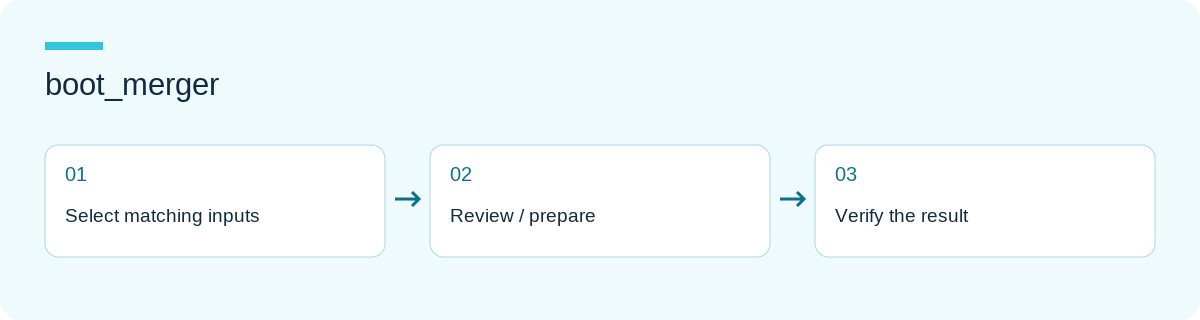
boot_merger packages early-boot components into a Loader. It belongs before firmware flashing in the workflow: generating a Loader does not itself write a board. The supplied packages contain the executable and revision notes, not a complete standalone user manual.
Inputs come from one board SDK
A Loader may combine DDR initialization, a USB download component and boot code. Rockchip’s RK3588 configuration in the official rkbin repository illustrates [CODE471_OPTION], [CODE472_OPTION], [LOADER_OPTION] and [OUTPUT]; FlashData and FlashBoot point to different components. Preserve the configuration supplied with the board SDK rather than assembling files solely because their names contain the same SoC.
A controlled packaging procedure
- Identify the board revision, memory type and capacity, SoC and intended storage. Save the working Loader before changing anything.
- Copy the SDK’s entire loader configuration and referenced binaries into an isolated build directory. Resolve relative paths from the expected working directory.
- Select the host package and SDK-documented invocation. The collection’s Linux notes reach 1.35; macOS is labeled 1.3 and Windows 1.32. They are not a synchronized release set.
- Confirm output path, file size, hash and return status. Retain the input configuration and every input binary version alongside the result.
- Validate on a recoverable development board using its documented procedure. Distinguish a RAM download from writing IDBlock to storage.
Why version details matter
The Linux notes describe IDBlock alignment changes, 2K interleaving and CRC-related options. These affect boot format, not just the filename. Do not carry a format flag into another BSP without confirming the corresponding boot ROM/Loader requirements.
Failure triage
Missing files indicate path/configuration problems; a generated file that fails DDR initialization calls for checking memory-specific inputs. A successful packaging exit does not prove that the Loader can initialize the target. Keep the known-working Loader and a recovery route. This article provides a preparation and validation workflow; it does not invent command flags absent from the supplied manual.
Applicability and verification
This is a documentation-based workflow for the supplied tool collection. Confirm the exact board, SoC, carrier, SDK/BSP and host architecture before using it. No flashing, provisioning, register writes or hardware tests were performed. Package availability does not establish support for every ArmSoM product.
GitHub tool directory, versions and SHA-256
Open the matching GitHub directory, select the required host/version, then verify the file hash and extract the full directory. Links below open repository directories.
Open the tool directory on GitHub
| Platform / version | File | SHA-256 |
|---|---|---|
| Linux / 1.35 release notes | boot_merger-linux-directory-snapshot.zip |
185fb0b12c95317f70a683919f36486153e7219a60c30bd3c9ef0a5019783bbb |
| macOS / 1.3 | boot_merger_v1.3_mac.zip |
c9427f5e6448c610dae2e450ad1e245d03c39fd36756bbb02b78f20a0228f64f |
| Windows / 1.32 | boot_merger_v1.32.zip |
00e12d8683c73c62df0d10102d284407721ab90310d10da23e8e090cdac124f9 |
GitHub · catalog.json · SHA256SUMS
Source documents and figures
- boot_merger Linux revison.log through 1.35; macOS 1.3 and Windows 1.32 package notes
- https://github.com/rockchip-linux/rkbin/blob/master/RKBOOT/RK3588MINIALL.ini
Continue with the related workflow
- rk_ddrbin_tool: inspect and change DDR initialization parameters
- RKDevTool download and workflow: Loader, partitions and update.img
- afptool and rkImageMaker: understand and package Rockchip update.img
- Rockchip tool download and workflow index
Find the correct ArmSoM board documentation
For board and carrier requirements, use the product manual first. The links below are platform references, not a statement that this archived tool has been validated on these products.
ArmSoM Docs · Sige7 / Docs · CM5 / Docs