
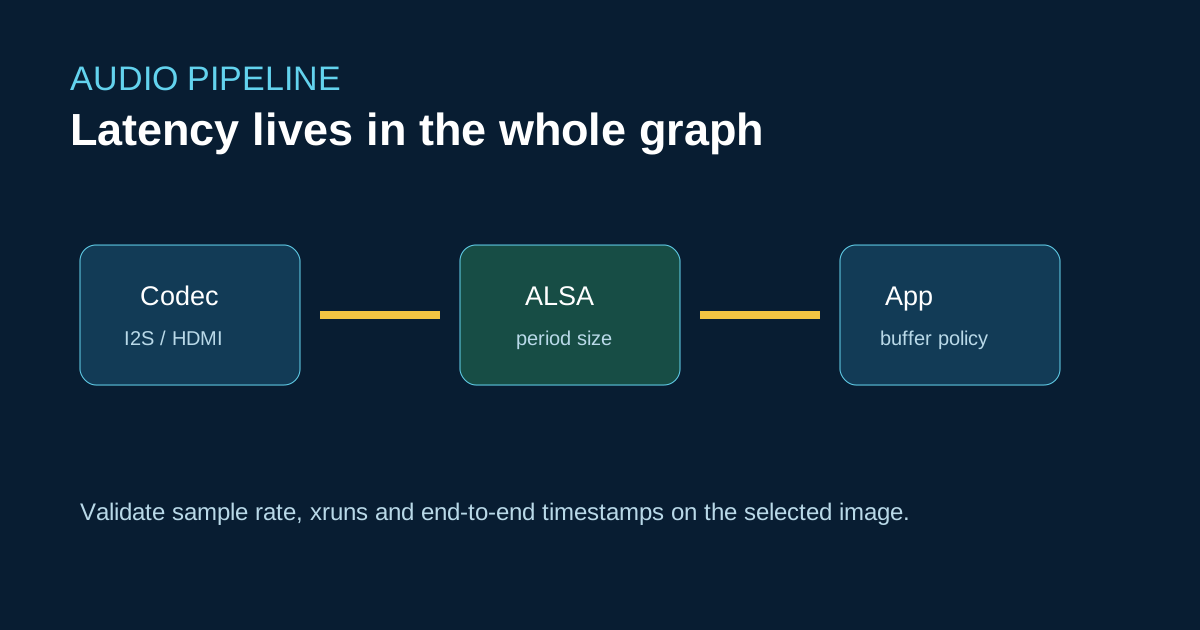
Sige7 offers HDMI and board-level audio paths, but end-to-end latency is set by codec clocks, ALSA period size, mixer configuration, scheduler load and the application buffer. A Raspberry Pi ALSA device name or Jetson PulseAudio recipe is not portable evidence.
Capture a baseline
aplay -l
arecord -l
arecord -D hw:0,0 -f S16_LE -r 48000 -c 2 -d 10 capture.wav
Log xruns, sample-rate conversion and timestamps while CPU, display and network workloads run. For interactive audio, test the complete speaker/microphone path with an electrical loopback or calibrated acoustic fixture.
Choosing the platform
Sige7’s RK3588 CPU/GPU/NPU resources suit media-rich appliances, but software migration from Jetson still requires a new audio and AI integration layer. Choose CM5 or Sige5 when the RK3576 I/O and power envelope are sufficient and a smaller carrier is more valuable than peak multimedia throughput.
References
Pre-publication check
- State sample rate, period size, codec and image version.
- Include xrun and end-to-end measurements.
- Keep board capability separate from application latency.