
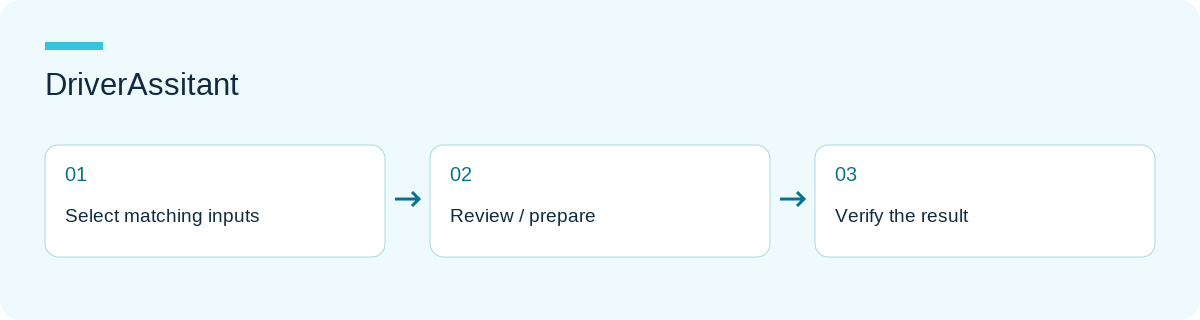
A flashing application cannot communicate with a board if Windows has bound the wrong driver. DriverAssitant provides installation and removal for Rockchip USB drivers; it is the host preparation step, not a firmware flasher.
Use the complete package
Keep the driver folders beside the installer. The supplied README describes driver preinstallation and recommends uninstalling an older driver before installing the new package. Obtain administrator approval for the driver installation; do not disable system security merely to force an incompatible driver to load.
The historical README lists Windows XP, 7, 8 and 10, with 32/64-bit variants. That list does not establish Windows 11 support or compatibility with Windows on Arm. Check the actual driver architecture and signature on the intended host.
Installation and recognition sequence
- Record the existing driver/provider in Device Manager before changing it.
- Remove the older Rockchip driver when following the package’s replacement procedure, then install the supplied driver package.
- Connect one board through its documented USB data port. Enter the board’s Loader or Maskrom mode for Rockusb operations.
- Inspect Device Manager for enumeration errors; then check whether RKDevTool or
upgrade_tool ldsees that board. - If using ADB, boot an OS with ADB enabled and authorized. A Rockusb driver cannot create an ADB service inside a firmware image.
Resolve the right problem
A power-only cable never becomes a data cable after driver installation. A missing device can also mean the wrong connector, insufficient supply or the wrong boot mode. A device listed by Windows but absent from the application calls for checking the driver binding and tool version. ADB authorization problems belong to the running OS; Maskrom recovery belongs to the boot path.
Keep a reproducible workstation
Record the installer version, Windows build and architecture, USB controller, board mode and final driver name. Test one board before connecting a hub full of devices. This guide is based on the package README; no Windows driver installation was performed during preparation.
Applicability and verification
This is a documentation-based workflow for the supplied tool collection. Confirm the exact board, SoC, carrier, SDK/BSP and host architecture before using it. No flashing, provisioning, register writes or hardware tests were performed. Package availability does not establish support for every ArmSoM product.
GitHub tool directory, versions and SHA-256
Open the matching GitHub directory, select the required host/version, then verify the file hash and extract the full directory. Links below open repository directories.
Open the tool directory on GitHub
| Platform / version | File | SHA-256 |
|---|---|---|
| Windows / 5.13 | DriverAssitant_v5.13.zip |
b2cabce5ab23551d8649c1201ef741fd73c8326044b78edac5439f013f034ff9 |
GitHub · catalog.json · SHA256SUMS
Source documents and figures
- DriverAssitant_v5.13.zip: Readme and packaged driver directories
Continue with the related workflow
- RKDevTool download and workflow: Loader, partitions and update.img
- upgrade_tool download: command-line Rockchip firmware workflow
- Rockchip tool download and workflow index
Find the correct ArmSoM board documentation
For board and carrier requirements, use the product manual first. The links below are platform references, not a statement that this archived tool has been validated on these products.
ArmSoM Docs · Sige7 / Docs · CM5 / Docs