
RKDevInfoWriteTool exposes SN, Wi-Fi, LAN, Bluetooth and other device-information fields. Its interface also contains security-related items; seeing a field does not prove that a board supports that item. Treat identity assignment and security provisioning as separate manufacturing functions.
Use the clean package
ArmSoM’s repack removes historic logs, saved configuration and DEVNAME.bin; executable files are unchanged. Create a fresh station configuration. The package’s language resources show Read, Write, Single, Loader, Test and Reboot controls, but no complete PDF was found, so exact device-side storage behavior must come from the matched SDK.
Establish an allocation ledger
Before writing, define who allocates serial numbers and network addresses, the allowed range and duplicate checks. Use only MAC-address allocations appropriate to the product. Keep customer identifiers and allocation files private. Do not reuse example values across a production batch.
Validate one device
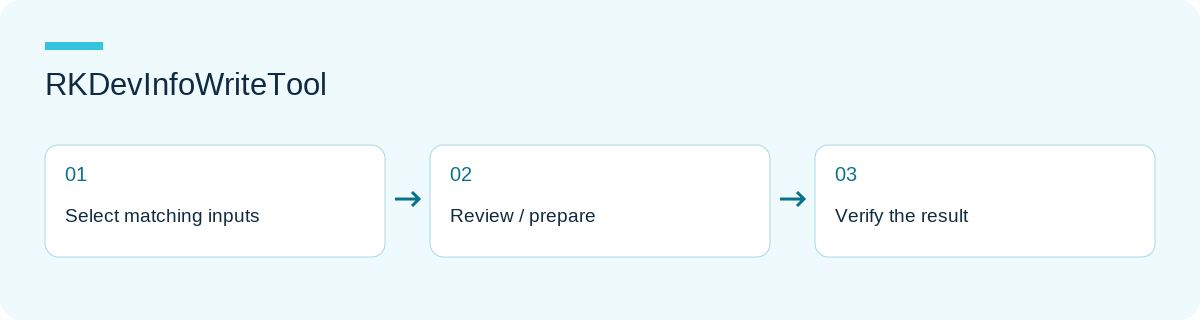
Confirm board identity and firmware, then inspect only fields supported by its BSP. Configure the intended source/range and enable only the necessary write fields. Use a controlled single-device trial before automation. Read back where supported and verify the identifier through the running OS or board API, then reboot and verify persistence.
Handle failures deliberately
Record consumed IDs, device status and readback. After a timeout, reconcile whether the value was actually written before allocating a replacement. ForceWrite, erase, RPMB and lock-related controls are not default fixes for an ordinary SN failure. Their use requires the corresponding board/security procedure. No customer identifiers or licensed keys are included in this download.
Applicability and verification
This is a documentation-based workflow for the supplied tool collection. Confirm the exact board, SoC, carrier, SDK/BSP and host architecture before using it. No flashing, provisioning, register writes or hardware tests were performed. Package availability does not establish support for every ArmSoM product.
GitHub tool directory, versions and SHA-256
Open the matching GitHub directory, select the required host/version, then verify the file hash and extract the full directory. Links below open repository directories.
Open the tool directory on GitHub
| Platform / version | File | SHA-256 |
|---|---|---|
| Windows / 1.3.7 | RKDevInfoWriteTool-v1.3.7-clean.zip |
66a3a94142470356adc8c7e3a2b9ba2deee60fd3bb7bcbba9c196c2534eb6f3a |
GitHub · catalog.json · SHA256SUMS
Source documents and figures
- RKDevInfoWriteTool-v1.3.7.zip: English.ini, configuration UI resources and packaging inventory
Continue with the related workflow
- HDCP Key Writer: package authorized keys and control device provisioning
- RKPCBATool 1.2.1: configure Linux board functional tests and operator checks
- EfuseTool 1.42: prepare a traceable Secure Boot provisioning station
- Rockchip tool download and workflow index
Find the correct ArmSoM board documentation
For board and carrier requirements, use the product manual first. The links below are platform references, not a statement that this archived tool has been validated on these products.
ArmSoM Docs · Sige7 / Docs · CM5 / Docs